
Turn ordinary Naat videos into professional masterpieces
For Naatkhuwans, content creators and aspiring editors who want to produce high-quality Naat videos — and turn that skill into an income.
Demand for professional Naat video editors keeps growing. This is your chance to learn, grow and earn.
- Fee
- ₹4,999
- Lessons
- 8
- Level
- beginner
- Format
- video
What makes this course different?
You learn the complete workflow of editing Naat music album videos in Adobe Premiere Pro — from project setup to final export.
Multi-camera editing, colour grading, motion adjustments and overlays, taught as they are actually used. Beginner or experienced, you leave able to cut a professional Naat video efficiently.
What you will learn

Course overview & shooting tips
- Introduction to the course
- Shooting high-quality Naat footage
- Preparing footage for the edit
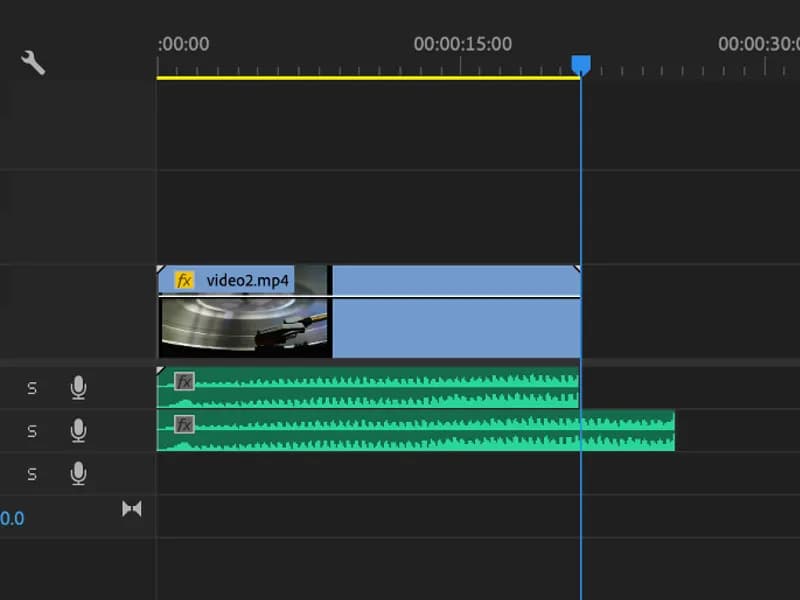
Timeline & audio syncing
- Creating a sequence and importing clips
- Managing sequences for several camera angles
- Syncing to the original track
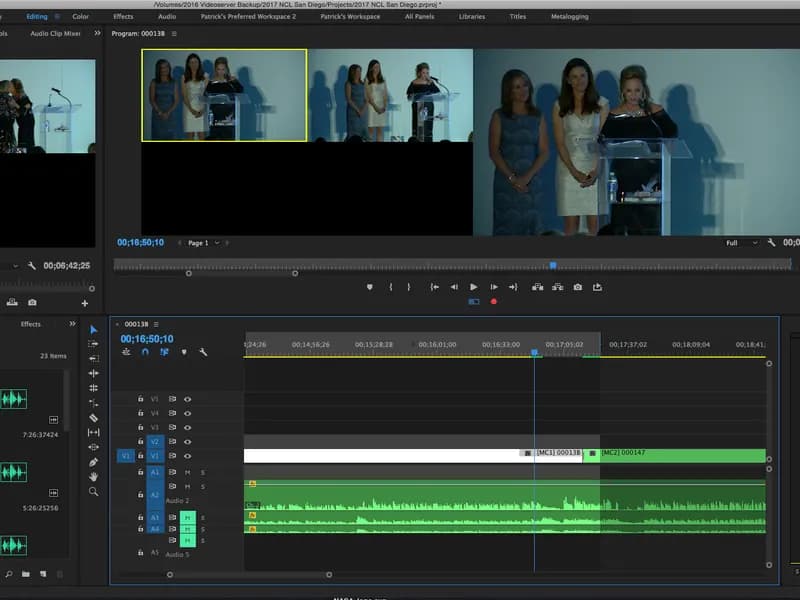
Multi-camera editing
- The multi-camera workflow
- Switching and mixing between angles
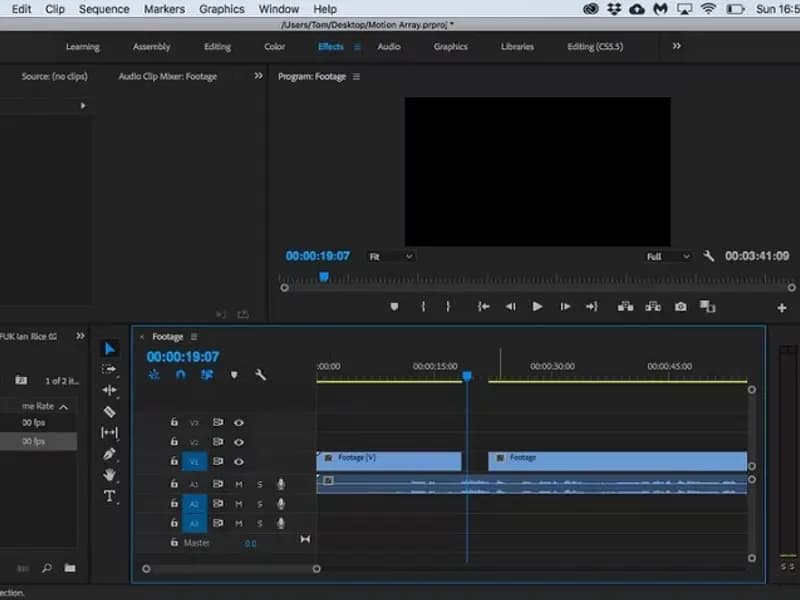
Refining edits & enhancing footage
- Split and rolling edit tools
- Stabilising shaky footage
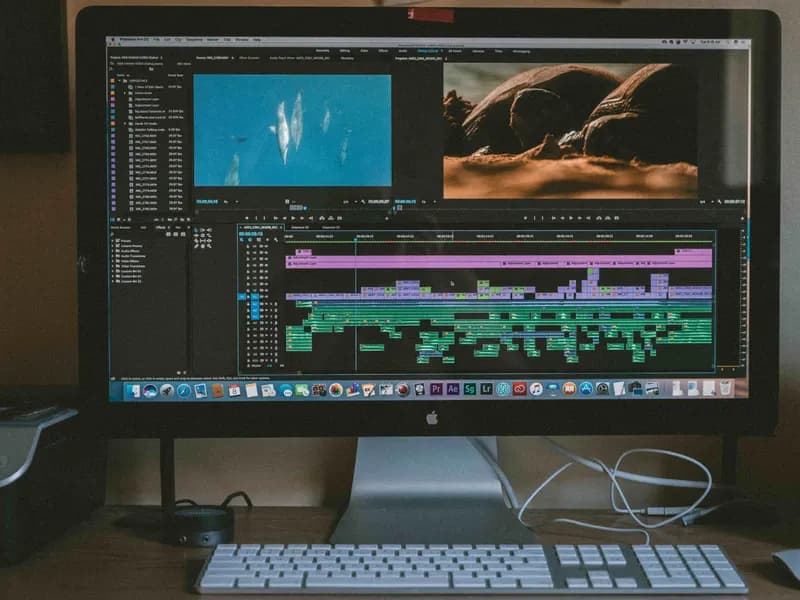
Advanced editing techniques
- Inserting extra shots, unlinking audio and video
- Copy-paste techniques and nesting sequences
- Handling slow-motion and stabiliser errors
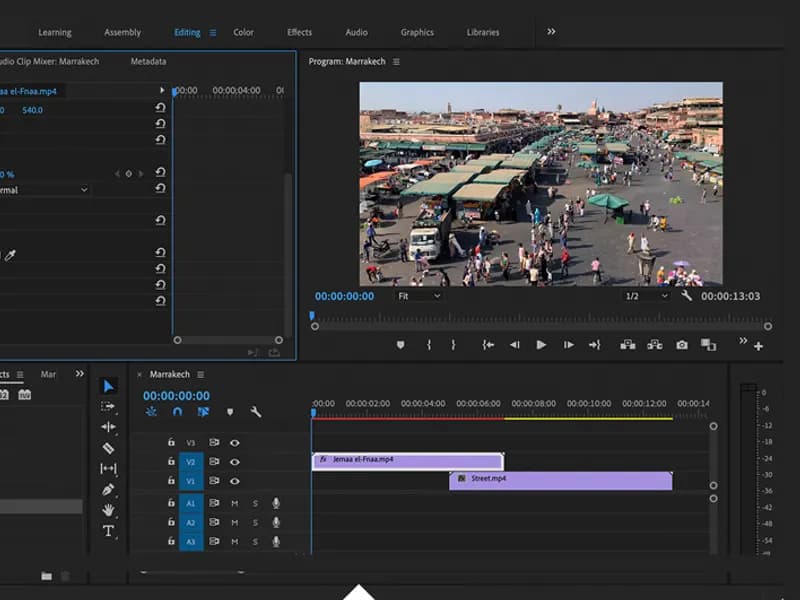
Transitions & effects
- Applying smooth transitions
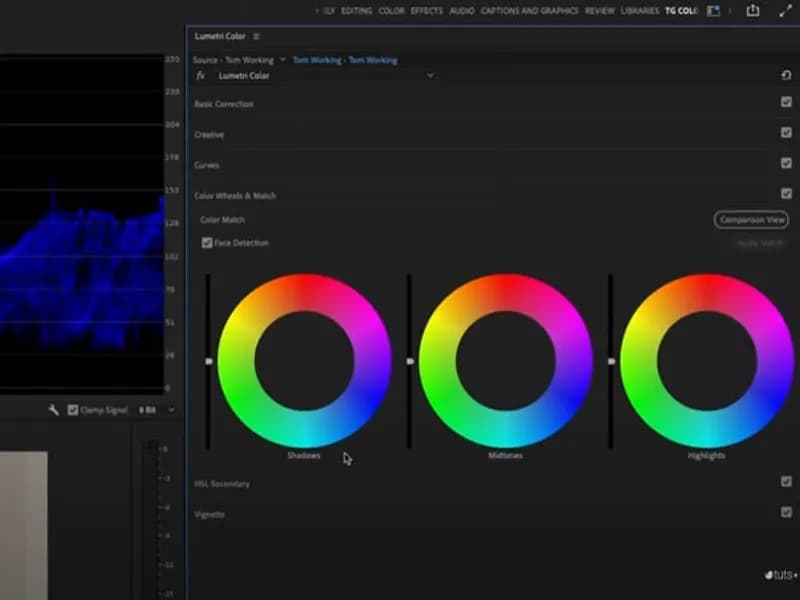
Colour grading & enhancement
- Grading for a professional look
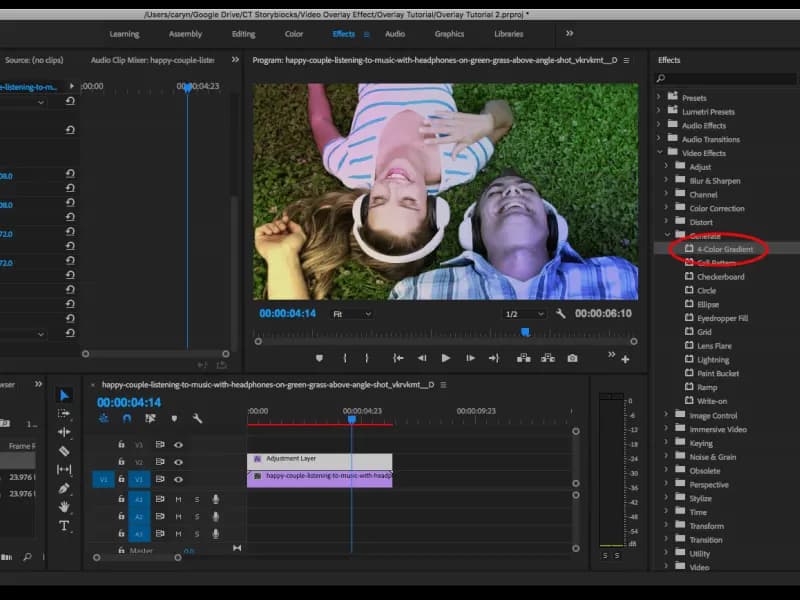
Overlays & motion adjustments
- Adding overlays
- Motion adjustments and final export
Who should join?

Naatkhuwans
Raise the presentation of your Naats with proper editing.
Aspiring video editors
Learn industry-standard skills from scratch.

Content creators
Make Islamic content that travels on social media.
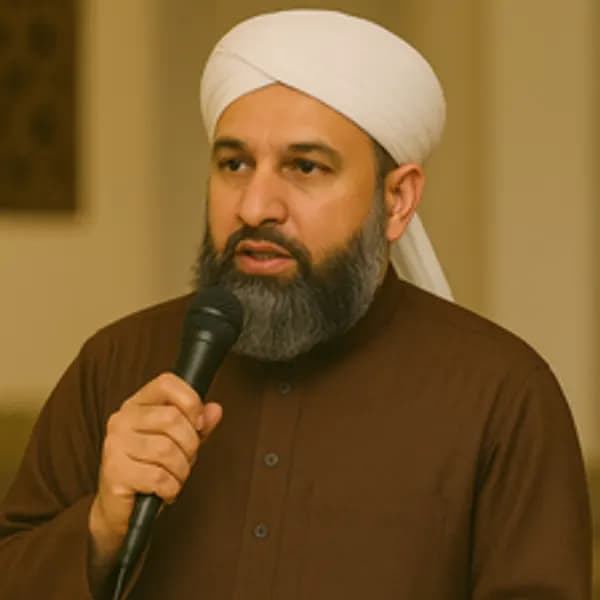
Islamic speakers
Carry your message through visual storytelling.

Freelancers
Offer your services to Naatkhuwans worldwide.
No prior experience required — just a desire to produce high-quality Naat videos.
Earn with your editing skills
Thousands of Naatkhuwans worldwide need professional editing. This course does not stop at teaching the craft — it shows you how to make a living from it.
- Freelance for Naatkhuwans and get paid for the work
- Monetise your own YouTube channel
- Build and sell your own editing course
- Take on clients from anywhere and work remotely
How it works
- Pre-recorded lessons — learn at your own pace
- Hands-on exercises you apply to real projects
- Adobe Premiere Pro, focused on Naat music album videos
- Earning strategies: finding clients and monetising your work
- One payment, lifetime access
Why choose this course?
- Practical throughout — real editing, not unnecessary theory
- Taught by working video editors
- Lifetime access, revisit any lesson
- Bonus resources: presets, templates and premium assets
- An earning blueprint, not just a skill
What students say
I landed my first freelance project during the course. The live studio training is a game-changer.
 Ahmed RGraphic Designer
Learning directly from industry experts gave me the confidence to start my own videography business.
 Fatima KContent Creator
The mentors guided me every step of the way. This course truly delivered on its promise.
 Usman SSocial Media Manager
Where this can take you
Brands are actively looking for skilled multimedia people. Freelance, full-time, or your own agency — the course sets you up for all three.

- 01Graphic designer
- 02Photographer or videographer
- 03Audio engineer
- 04Social media manager
- 05Content creator
Start the course
One payment, lifetime access. You keep the lessons, the resources and the earning blueprint.
Still have questions?
Is this a recorded course?
Yes — recorded lessons with lifetime access.
Do I need prior experience?
No. It is built for beginners and useful to working editors.
Is there job placement assistance?
We guide you towards jobs and freelance projects.
Lessons in the academy
- 01 · video · previewCourse overview & shooting tips
- 02 · videoTimeline & audio syncing
- 03 · videoMulti-camera editing
- 04 · videoRefining edits & enhancing footage
- 05 · videoAdvanced editing techniques
- 06 · videoTransitions & effects
- 07 · videoColour grading & enhancement
- 08 · videoOverlays & motion adjustments